
What Is a Court Docket in Alcorn County
A docket is the court's running index of a case. It lists each filing, hearing, order, and event in date order, so a reader can follow the life of a matter at a glance. The docket is not the full case file. Where the docket says a motion was filed, the file holds the motion itself, its exhibits, and the order that answered it. Think of the docket as a table of contents and the case file as the chapters. A court calendar is a related but separate tool that shows upcoming settings, such as motion days and trial dates, rather than the history of any one case.
Because the county's courts each keep their own books, dockets do not all live in one place. Circuit and Chancery dockets sit in the statewide electronic system, while Justice Court and Corinth Municipal Court keep their own lower-court dockets. A docket entry from one court will not show events that happened in another, so a complete timeline sometimes means reading more than one docket and confirming each with the right clerk.
How to Find Alcorn County Dockets Online
For Circuit and Chancery cases, the online path runs through Mississippi Electronic Courts and its public viewer, PAMEC, both of which need an account. The First Circuit District also publishes a court calendar, but that calendar is login-only and is openly described as incomplete, so it is a starting point rather than a final answer.
- Decide which court holds the case: Circuit, Chancery, Justice Court, or Municipal Court.
- For Circuit or Chancery matters, register for PAMEC and log in to view the docket the court has released.
- Request access to the First Circuit calendar by emailing the Court Administrator at astewart@leecoms.com for a username and password.
- Enter a party name or case number, then review the docket entries and any listed settings.
- Confirm any date against the clerk or the Court Administrator, since online listings may not show every setting.
The First Circuit publishes its civil scheduling material, including how matters reach the calendar, on its civil matters page.
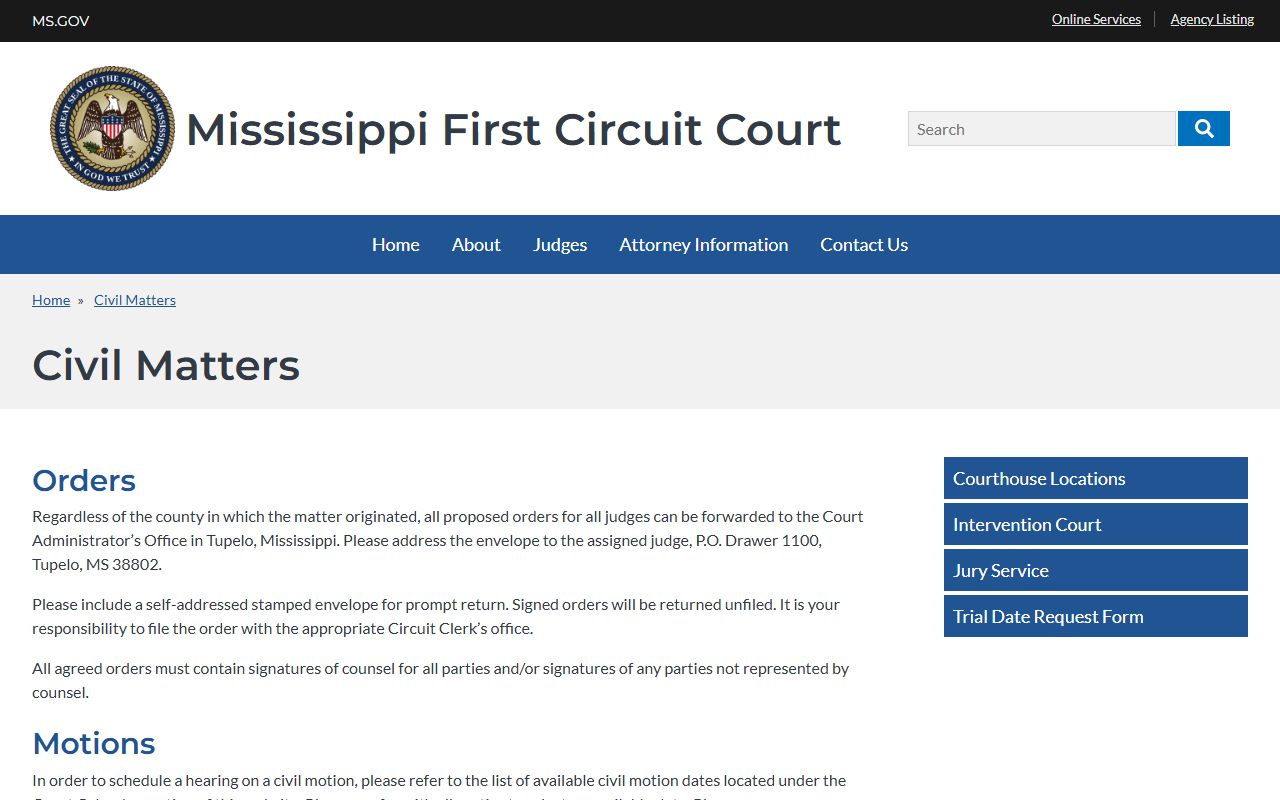
That resource, the First Circuit civil matters page, explains the workflow that turns a filed motion into a docketed hearing.
The First Circuit Calendar Is Login-Only
The official First Circuit court calendar is offered as a public service for general information, but it sits behind a registered username and password. New users request registration by emailing the Court Administrator's Office. The calendar carries clear warnings: the court tries to update it promptly but makes no guarantee of accuracy or completeness, it does not reflect every court setting, and the information can change without notice. Anyone who spots an error is asked to report it to the Court Administrator's Office.
Those warnings matter because relying on the calendar alone can lead to a missed or wasted trip. The login screen for the Circuit system uses the standard Login, Password, and Client Code fields, the same as the e-filing gateway.
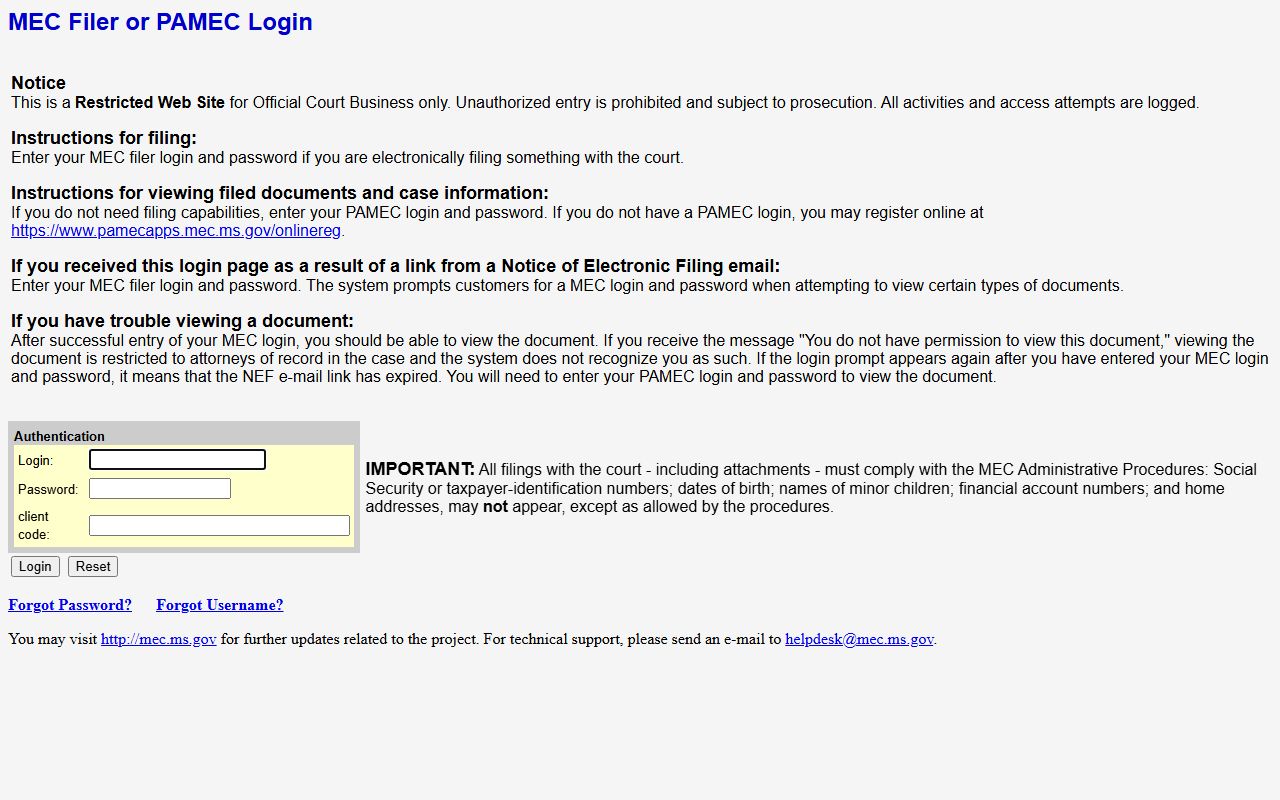
That gateway is published at the First Circuit MEC login page, which also links to public registration through PAMEC.
First Circuit Civil Scheduling and Order Procedures
The First Circuit shares a Court Administrator workflow across its member counties, so many docket steps run through one office rather than the local courthouse. Proposed orders for any judge in the district can be forwarded to the Court Administrator's Office in Tupelo, no matter which county the case began in. Envelopes go to the assigned judge at P.O. Drawer 1100, Tupelo, MS 38802, and counsel should include a self-addressed stamped envelope for the return. Signed orders come back unfiled, and the party is responsible for filing them with the proper Circuit Clerk.
The same office manages how civil matters reach the docket and how they come off it.
- Motion hearings: pick an open civil motion date from the court calendar, confer with all parties, prepare an Agreed Order Setting, and mail the original to the Court Administrator with a stamped return envelope.
- Trial settings: request dates from the Court Administrator by trial-date request form or written request, then mail an Agreed Order Setting Trial once all counsel agree.
- Cancellations: file a Notice of Cancellation with the Circuit Clerk and send a copy to the Court Administrator so the hearing is removed from the docket.
- Settlements: forward a letter to the Court Administrator so a trial can be taken off the calendar.
A motion hearing does not always have to be heard in the county where the action started, which is one more reason the docket and the calendar can look different from what a party expects. The governing rules are linked by the court.
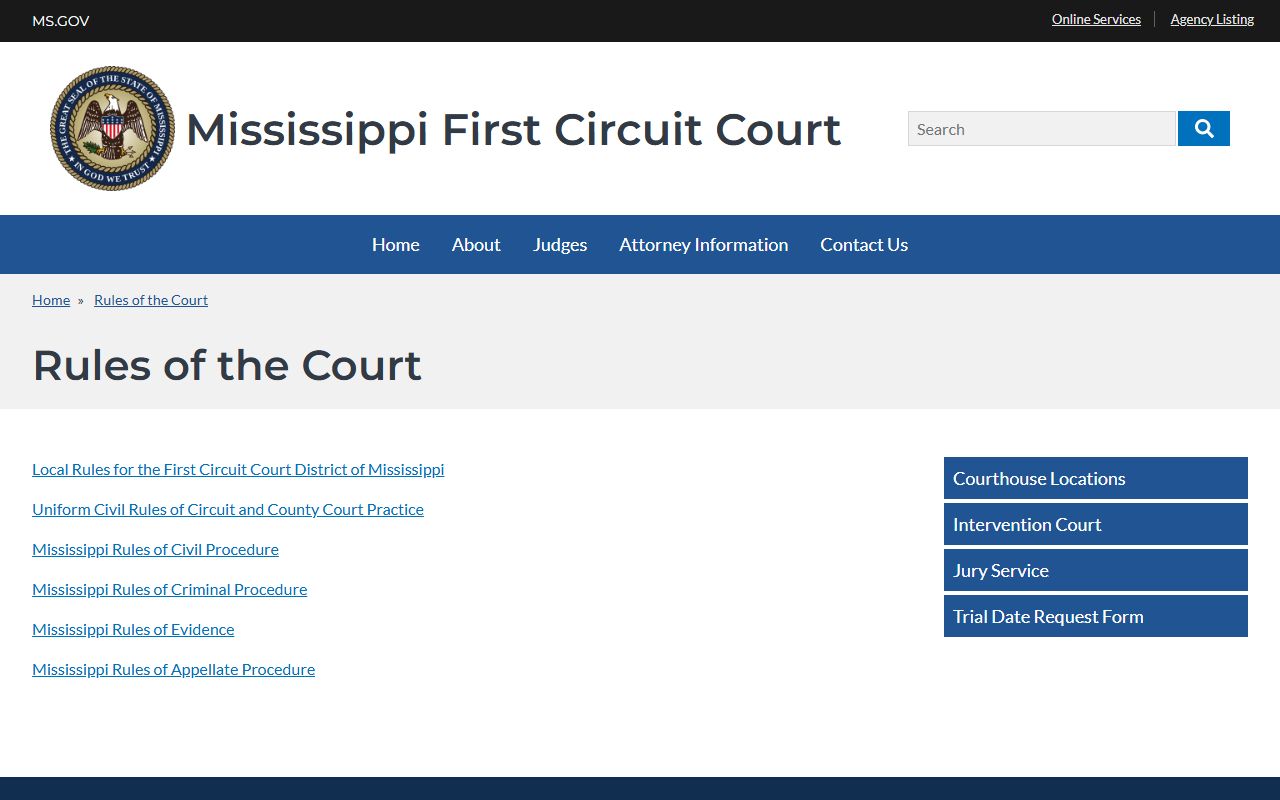
The First Circuit rules of court page collects the civil, criminal, and uniform rules that drive motion and order practice.
Sample Alcorn County Docket Entry
Each line of a docket records a single event, and the columns are consistent enough that one explanation covers most courts. A reader scanning entries can tell when something happened, what it was, who did it, and whether a document is attached.
| Field | What It Shows |
|---|---|
| Entry Date | The date the filing, hearing, or order was recorded on the case. |
| Event Type | The kind of activity, such as a motion, order, notice, hearing, or judgment. |
| Party Filing | The plaintiff, defendant, petitioner, respondent, or court that generated the entry. |
| Document Link | A link to the filed document where the court has released it to PAMEC viewers. |
| Status Flag | A short code such as Trial Pending or CLOSED that marks the case posture. |
Not every entry carries a document link. Older or sealed items, and filings the court has not released, may show the event without an attachment, which is when a call or a counter visit fills the gap.
Courts That Publish Dockets in Alcorn County
Online docket coverage depends on the court. The Circuit and Chancery courts use the statewide electronic system, so a registered PAMEC viewer can often read their dockets, subject to the fees and limits the court sets. The lower courts keep their dockets locally and generally do not post them in the same public viewer, which means a phone call or a visit is usually the way to read them.
- Circuit Court: felony and major civil dockets, available to PAMEC viewers where released, plus the login-only First Circuit calendar.
- Chancery Court: divorce, custody, estate, guardianship, and equity dockets in the First Chancery District electronic system.
- Justice Court: traffic, misdemeanor, small claims, and eviction dockets kept locally, read by contacting the court.
- Corinth Municipal Court: city ordinance and state-law violation dockets, with court held on Mondays at the Justice Center.
Public viewing starts with registration. The judiciary handles new accounts through an online form.
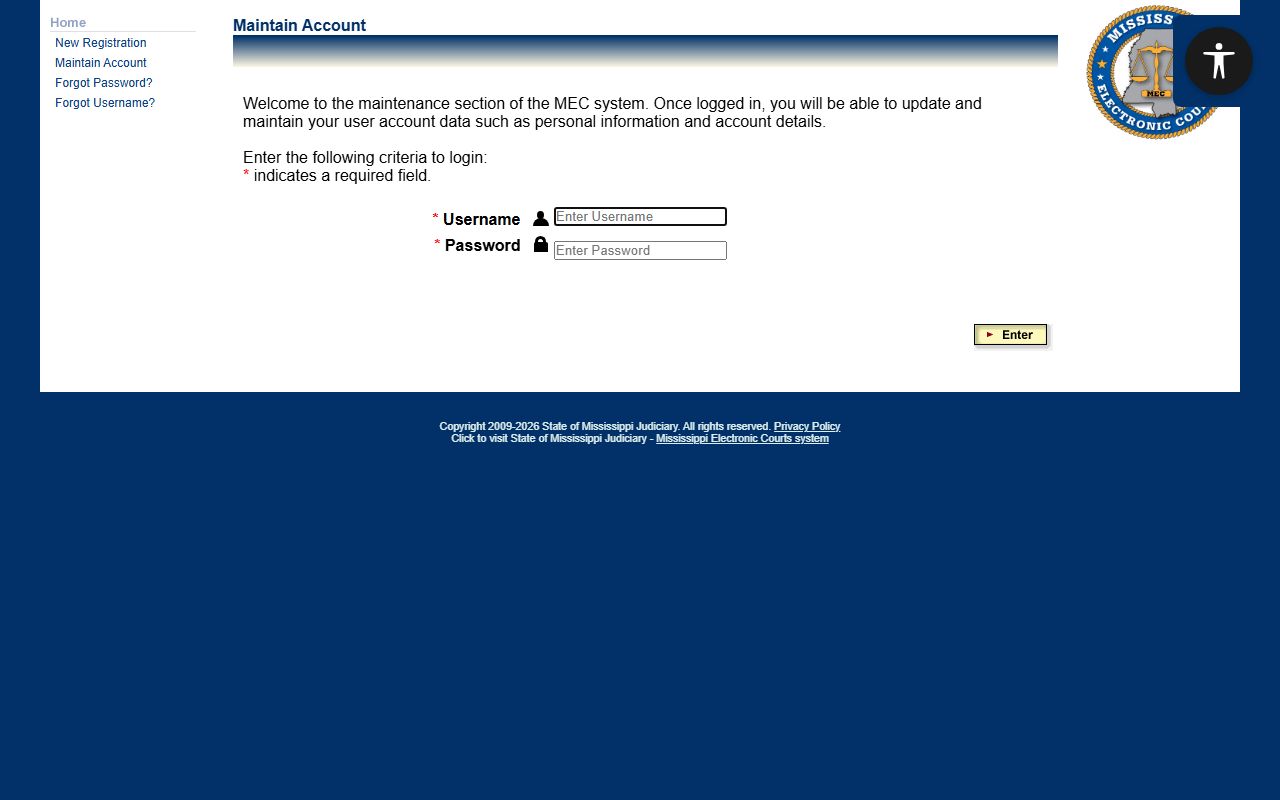
The PAMEC online registration page is where a member of the public sets up the login needed to view Circuit and Chancery dockets.
Chancery Docket Flags and What They Mean
The First Chancery District uses short status flags on its dockets to signal what is happening in a case. Learning the common ones makes a Chancery docket far easier to read, since a single flag can stand in for a whole procedural step. The table below decodes the flags a reader is most likely to meet.
| Flag | Meaning |
|---|---|
| Bench Warrant Issued | A judge has ordered a warrant, often for a missed appearance. |
| Bench Warrant Returned | The bench warrant has been served or otherwise resolved. |
| Capias Pending | A capias, an arrest-type order, is outstanding on the case. |
| SEALED | The case is sealed and requires court authorization to view. |
| GAL | A guardian ad litem has been appointed to represent a child or protected person. |
| MEDIATION | The matter has been referred to mediation. |
| COST_BILL | A bill of costs has been entered; related flags show paid or partial payment. |
| STAYED | The case is on hold pending another action. |
| CLOSED | The case has been closed. |
| Trial Pending | The matter is set for or awaiting trial. |
Other flags appear for interpreters, appeals, special masters, ex parte rulings, trust accounts, and waived inventories or accountings. The full court information is posted online.
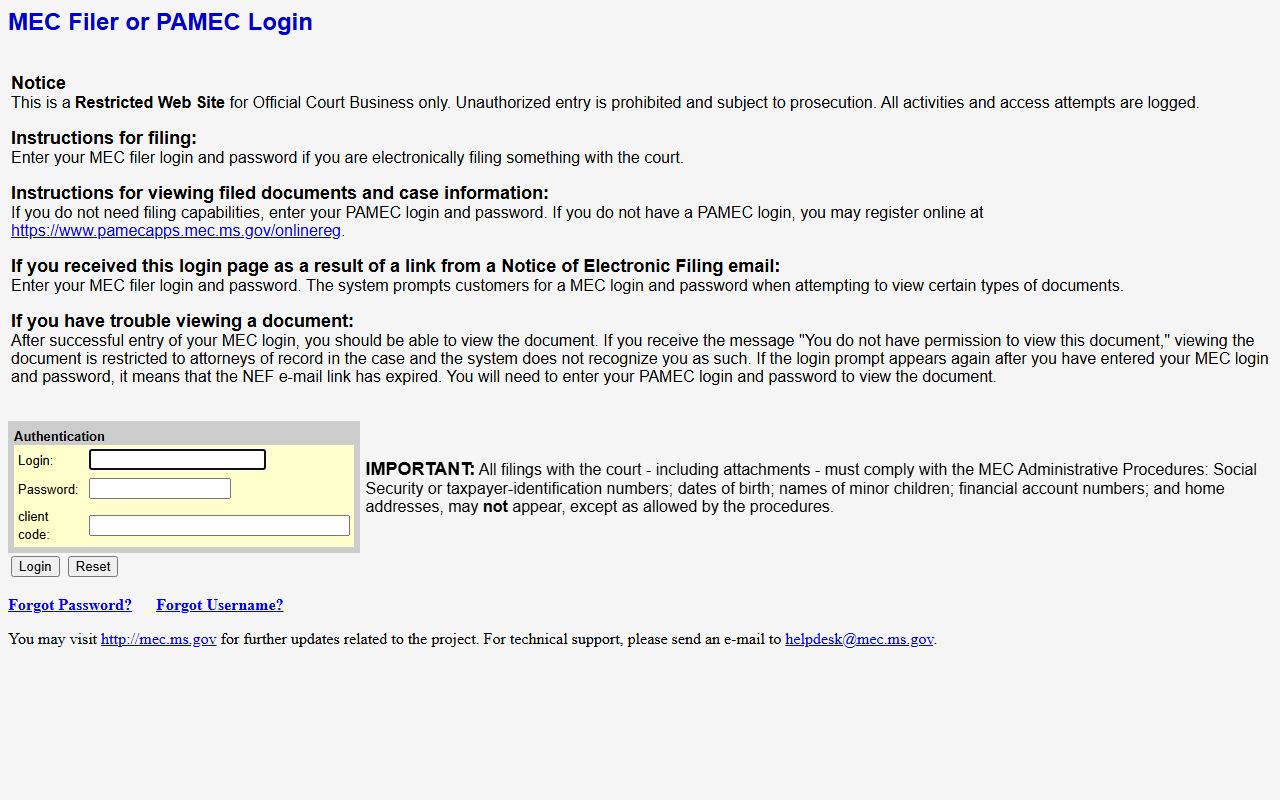
The First Chancery MEC login page leads to the Chancery dockets and to public registration for viewing them.
How to Verify a Court Date in Alcorn County
Because online calendars can be incomplete and dates change without notice, a setting should always be confirmed before anyone travels. The steps below give a reliable order, moving from the quickest check to the most authoritative one.
- Call the clerk that owns the case: the Circuit Clerk, Chancery Clerk, Justice Court, or Municipal Court, and read them the case number.
- Log in to PAMEC and open the docket to see the latest entries and any listed setting.
- For a Circuit civil matter, confirm the setting with the First Circuit Court Administrator's Office, which manages the calendar.
- Note who confirmed the date and when, in case a later change is posted.
- Recheck the day before, since cancellations and resets can post late.
This routine is the safest way to treat any online listing as a lead rather than a guarantee. For the underlying filings behind a docket, the broader Alcorn County court records show the documents that each entry refers to.
Docket vs. Full Case Record
The difference between a docket and a case file shapes what a search can deliver. A docket is a compact list of events, useful for tracking progress and confirming dates. The full case record holds the actual motions, exhibits, orders, and judgments, which is what a lawyer or a party needs for legal review. Each serves a different purpose, and the two are accessed in different ways.
| Docket | Full Case Record | |
|---|---|---|
| Format | List of entries | Full documents |
| Access | Often online to registered viewers | May require a fee or a counter visit |
| Use | Track case progress and dates | Legal review and evidence |
When a docket entry points to a document that is not online, the proper clerk can provide a copy, and a courthouse public terminal is a fallback where online viewing requires payment or an account.